Smart Banners are helpful notices that appear at the top of certain emails in your inbox. They are designed to keep you safe and informed when something about the email needs your attention.
Why Do You See Smart Banners?
Smart Banners appear when:
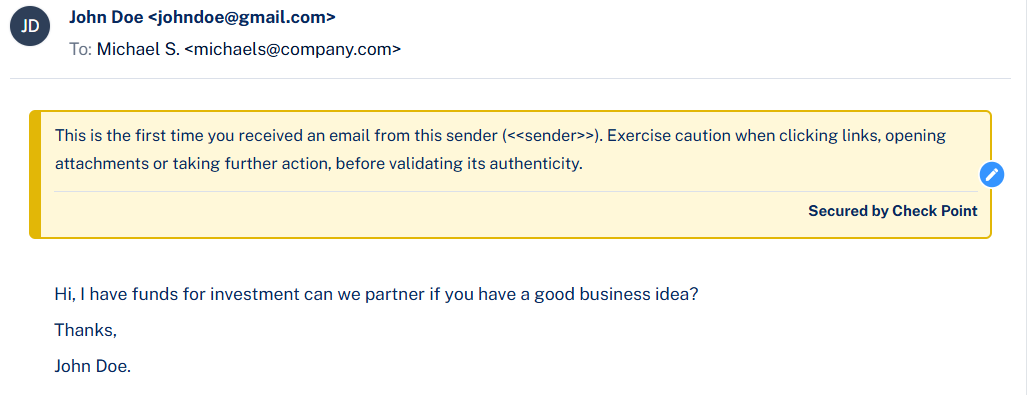
- The email is from outside the organisation.
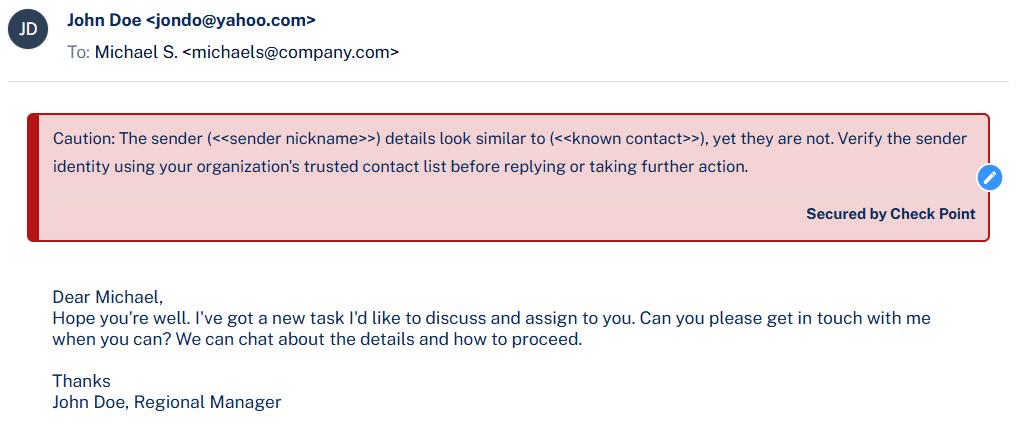
- The sender looks similar to someone you know but isn’t the same.
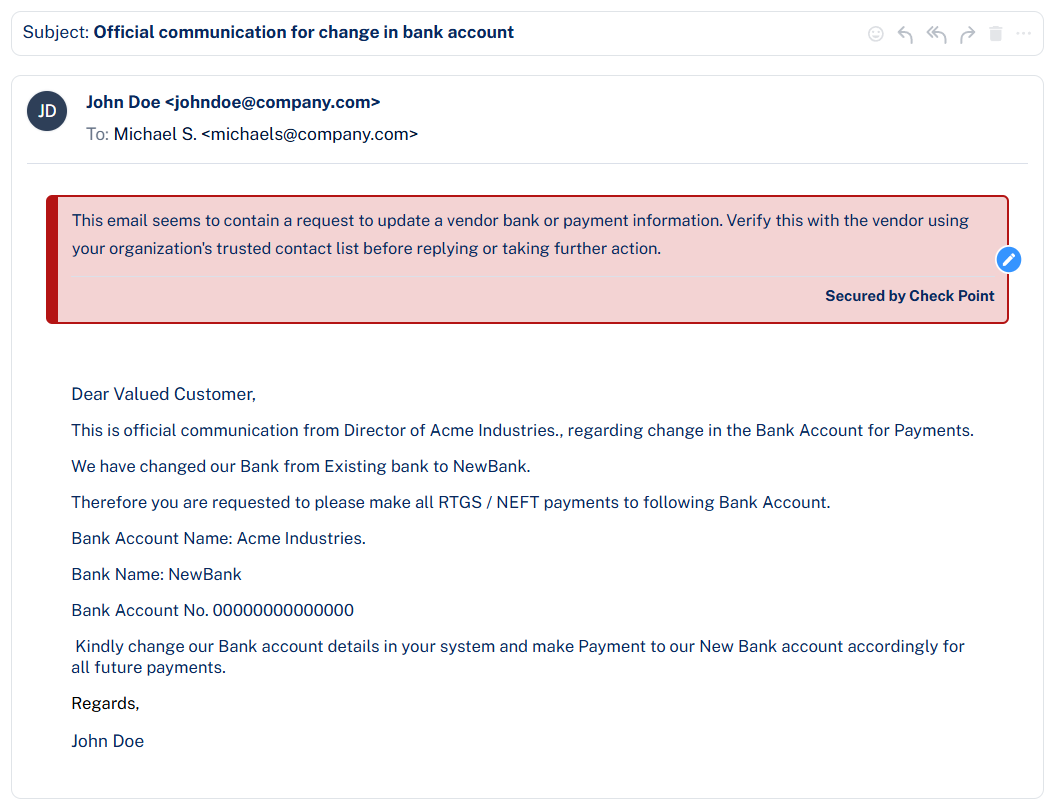
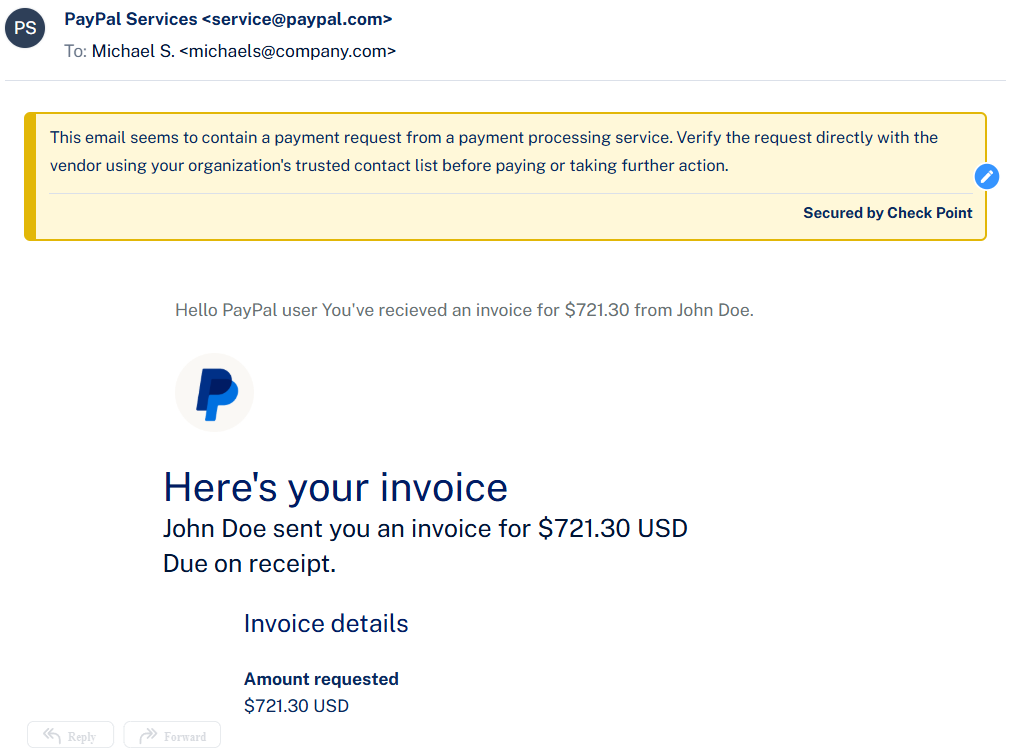
- The email contains financial requests like invoices or payment changes.
- There are technical warnings, such as the sender’s domain failing security checks.
Some examples:
What Do They Mean?
Each banner gives you a clear message about why the email might need caution. For example:
- External Sender: “This email is from outside the company.”
- Suspicious Domain: “The sender’s address looks unusual.”
- Payment Request: “Be careful with requests to change payment details.”
How Should You Respond?
- Read the banner carefully before acting on the email.
- If the banner warns about payment or sensitive information, verify with the sender through a trusted method (e.g., phone call or official contact).
- Do not click links or open attachments unless you are sure the email is safe.
Can You Ignore Them?
No, Smart Banners are there to protect you and the company. They don’t block the email, but they help you make safer decisions.
Quick Tips
- Always check the banner first before replying or clicking anything.
- If you’re unsure, report the email to IT security or use the “Report Phishing” option in Outlook or the "Report Spam" option in Gmail.
Was this article helpful?
That’s Great!
Thank you for your feedback
Sorry! We couldn't be helpful
Thank you for your feedback
Feedback sent
We appreciate your effort and will try to fix the article